IOS developer Lars Fröder (@opa334dev) has officially released Dopamine v2. This permanently signable, semi-untethered jailbreak tool works on A9-A16 and M1-M2 devices running iOS & iPadOS 15.0-16.6.1*. Follow the steps in this article to install Dopamine v2 on a compatible device.
The Introduction of Dopamine v2
With TrollStore, Dopamine v2 can be perma-signed, so you will not have to sign it every seven days as you would with jailbreaks installed through AltStore or Sideloadly. Despite the fact that semi-untethered jailbreaks require re-jailbreaking after every reboot, perma-signing involves no interaction with a computer after installation.
Dopamine is a rootless jailbreak, so you can only use rootless-compatible packages with it. Several developers have already made packages rootless-compatible or are working on them now.
Finally, Dopamine installs Sileo or Zebra as the default package manager. During installation, you will get to pick which one you wish to use.
Compatible Devices with iOS 16
- iOS & iPadOS 15.0-16.6.1 on A9-A11 devices
- iOS & iPadOS 15.0-16.5.1 on A12-A14 and M1 devices
- iOS & iPadOS 15.0-16.5 on A15-A16 and M2 devices
Steps to Jailbreak iOS 16* with Dopamine
Step 1:
Install TrollStore. TrollStore installation tutorial:
How to install TrollStore with TrollHelperOTA
Step 2:
From your Home Screen, launch the TrollStore app:
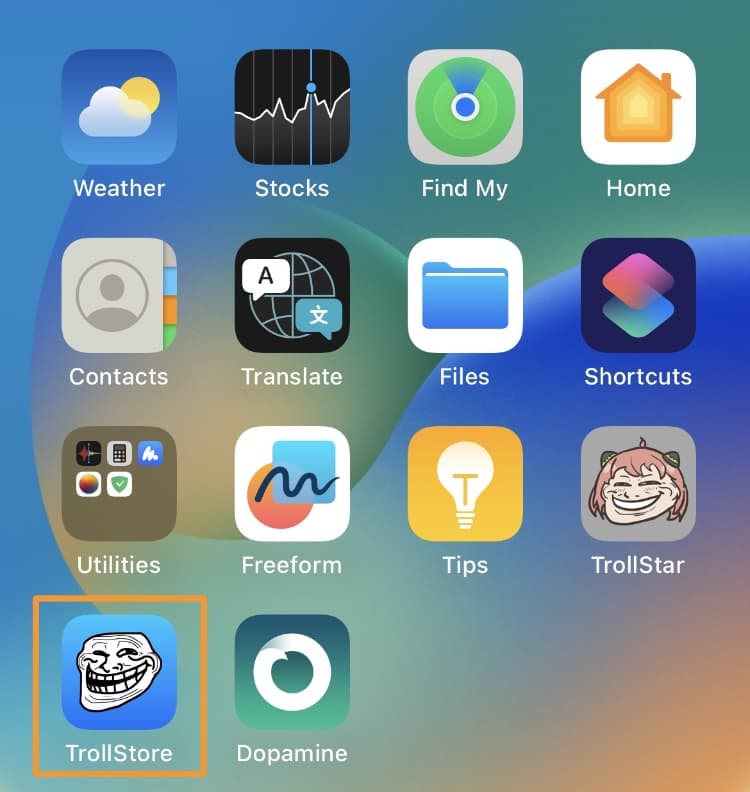
Step 3:
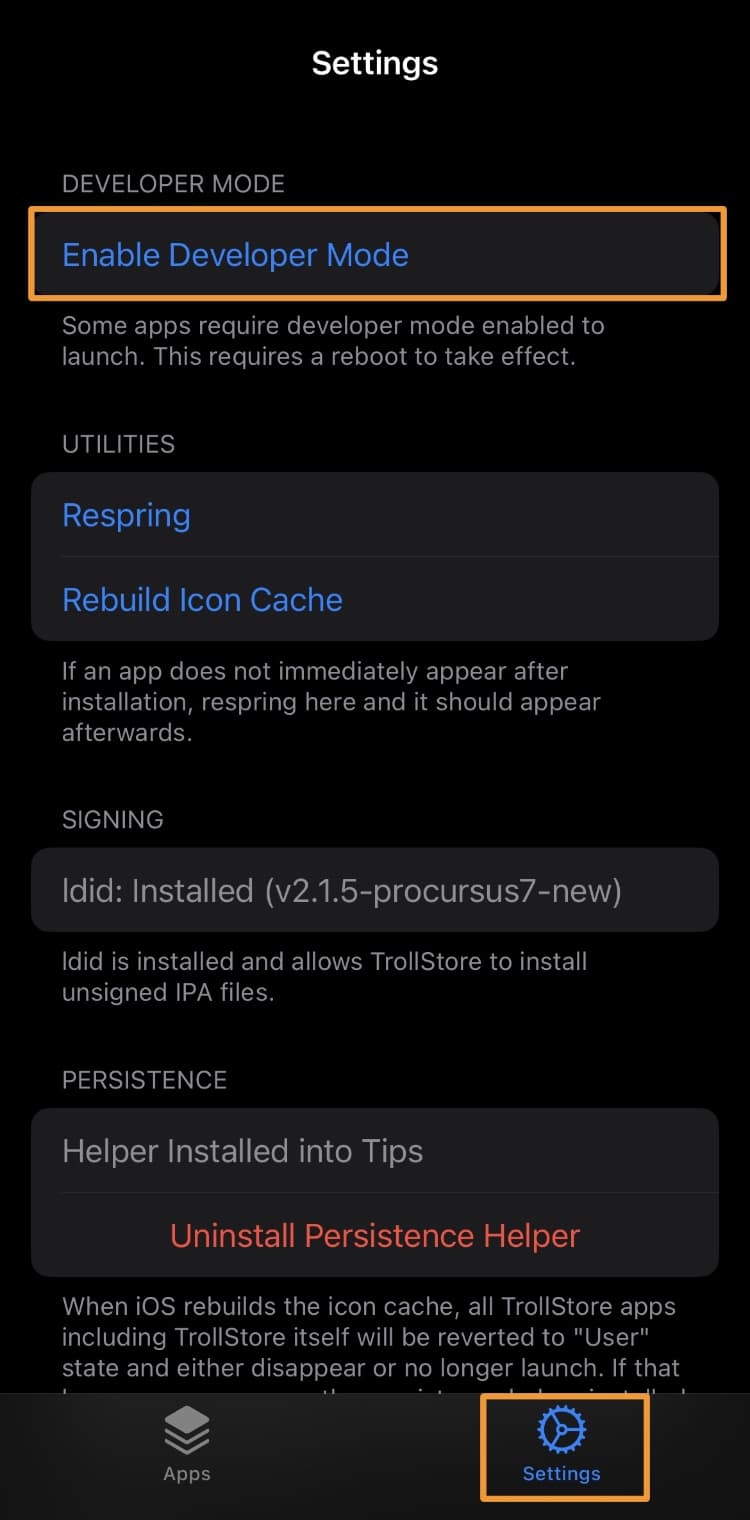
Tap on Settings:
Step 4:
Tap on Enable Developer Mode.
Step 5:
Tap the Reboot Now button on the pop-up prompt:
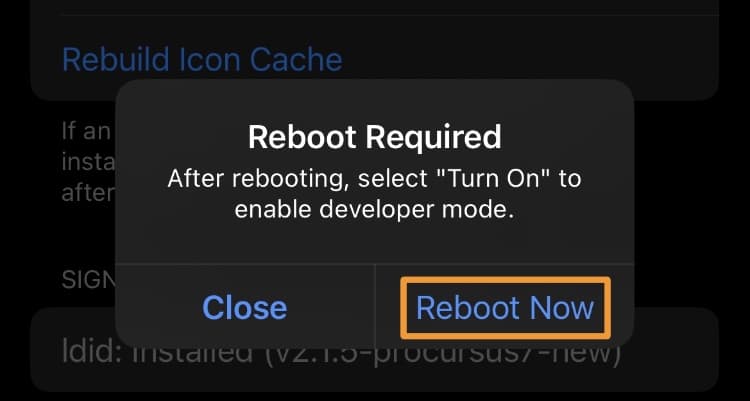
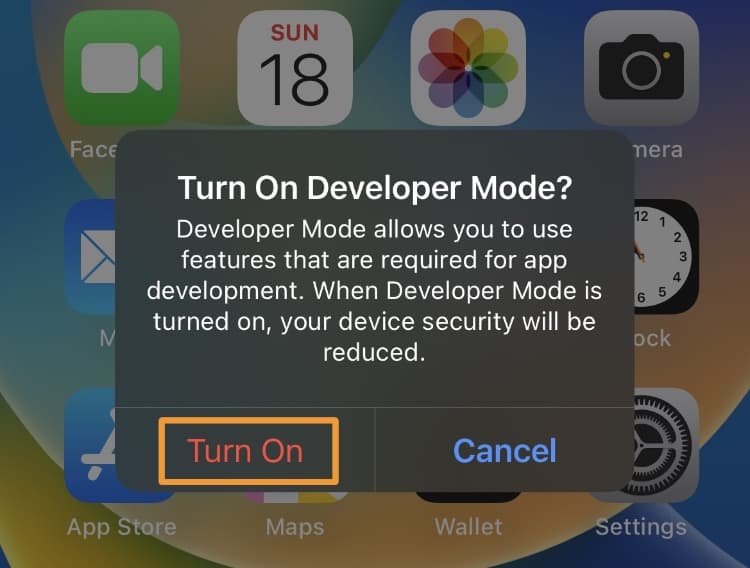
Note: Your device will reboot, and you’ll see the following prompt on the screen:
Step 6:
Then, tap the red Turn On button.
Step 7:
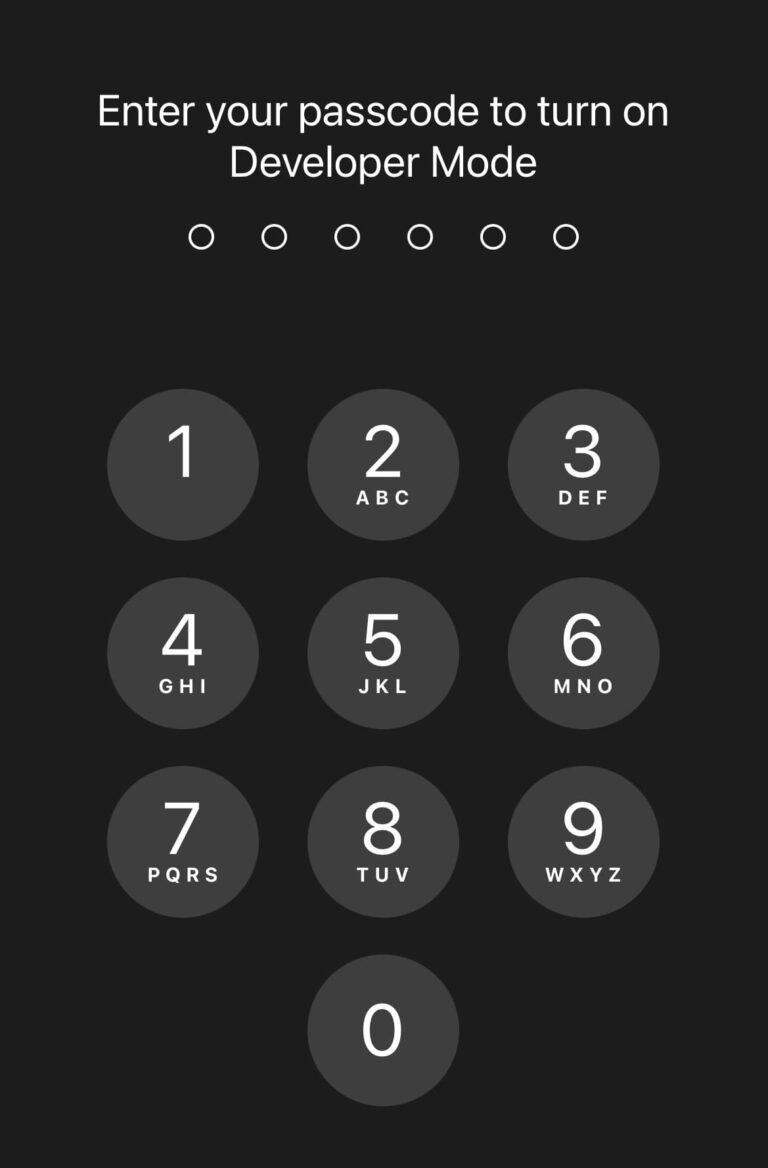
Please enter your passcode:
Note: Following the steps below, you can install and use the Dopamine v2 jailbreak.
Step 8:
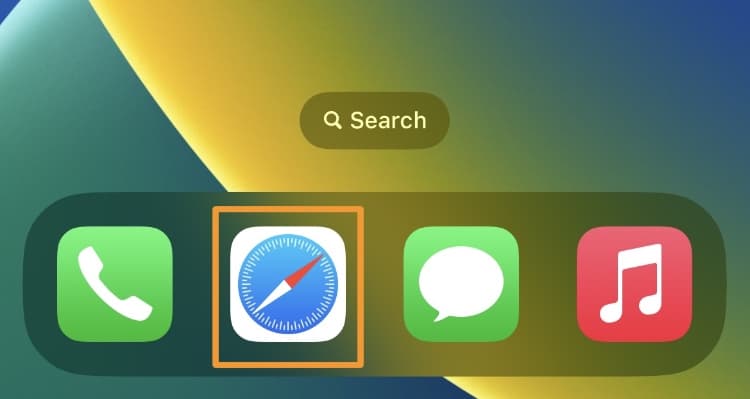
From the Home Screen, launch Safari:
Step 9:
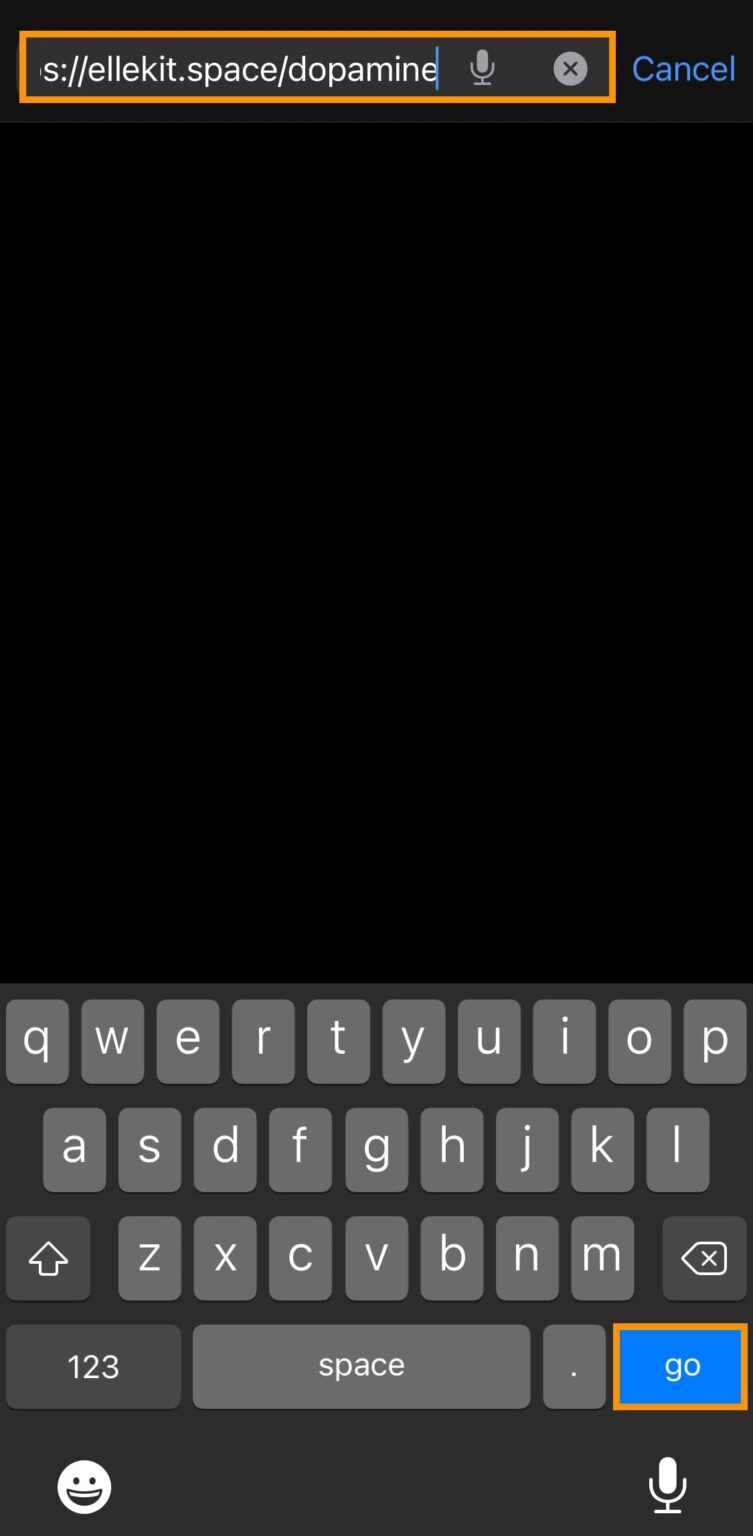
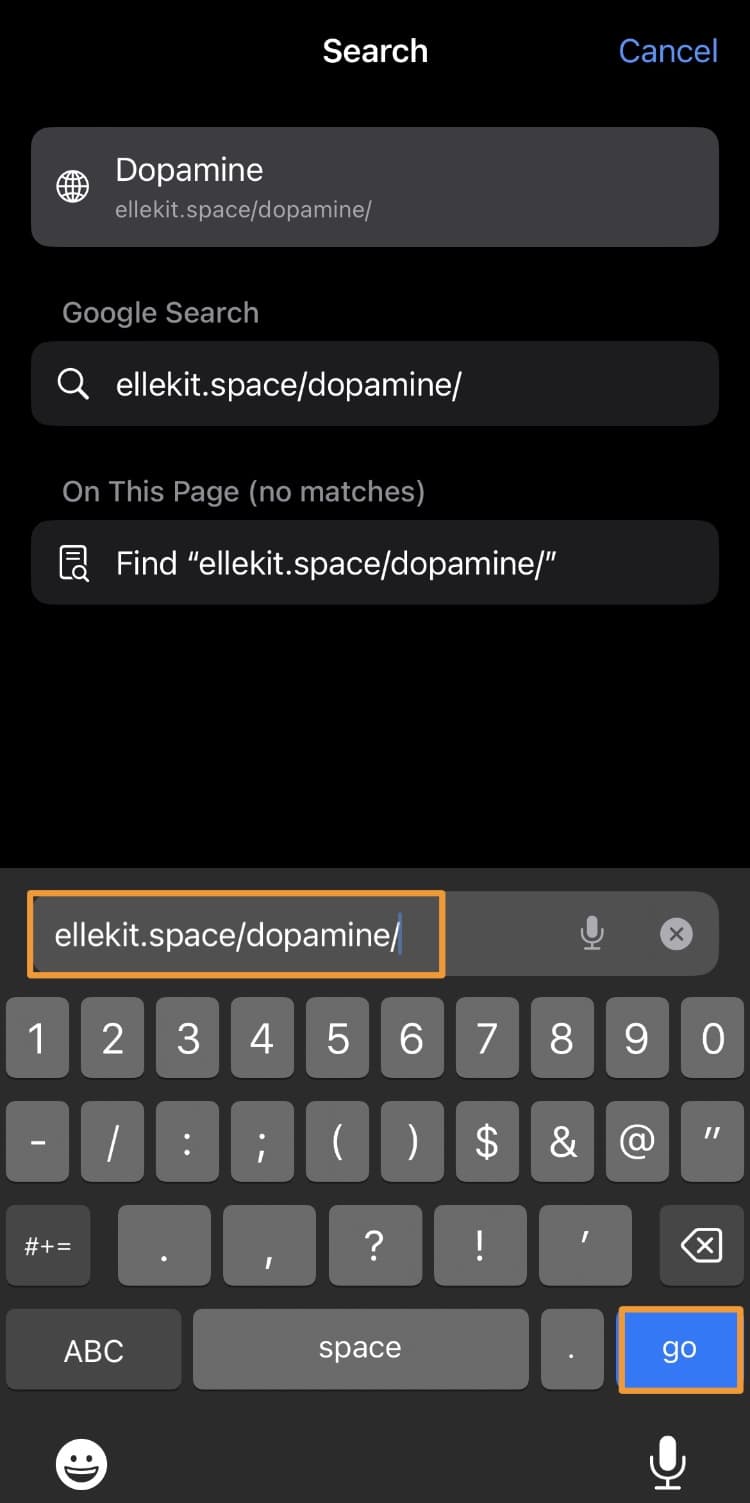
Enter the following URL and tap the go key: https://ellekit.space/dopamine/
Step 10:
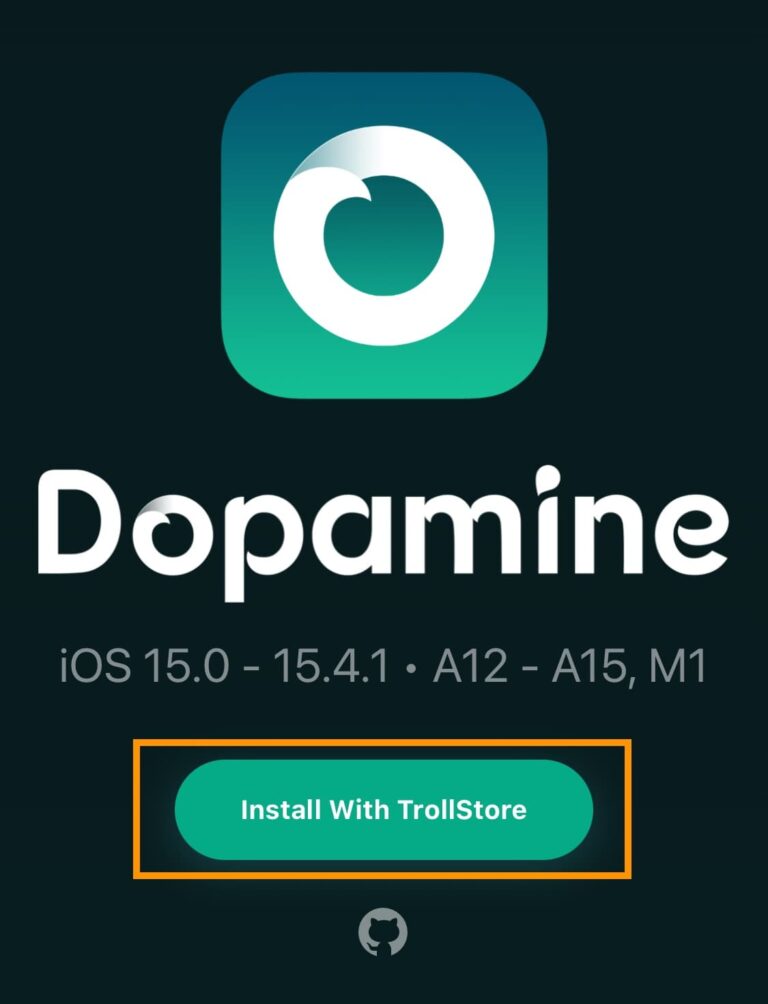
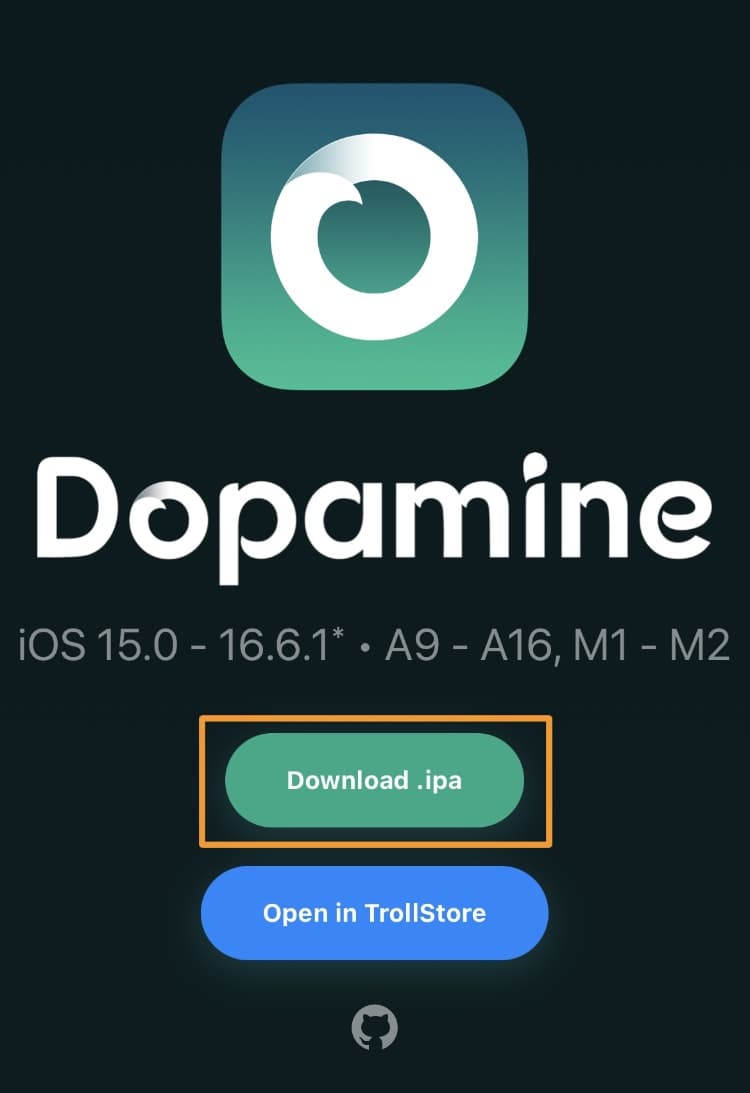
Tap the Download .ipa button:
Step 11:
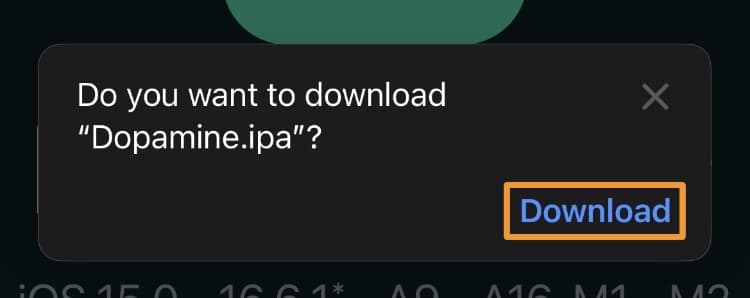
Tap on the Download button:
Step 12:
In the URL bar, tap on the Downloads glyph:
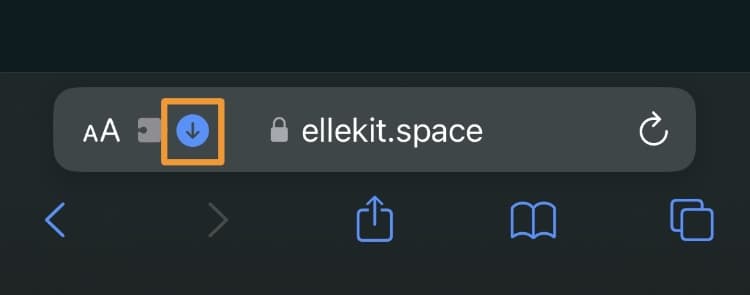
Step 13:
In the drop-down list, select Downloads:
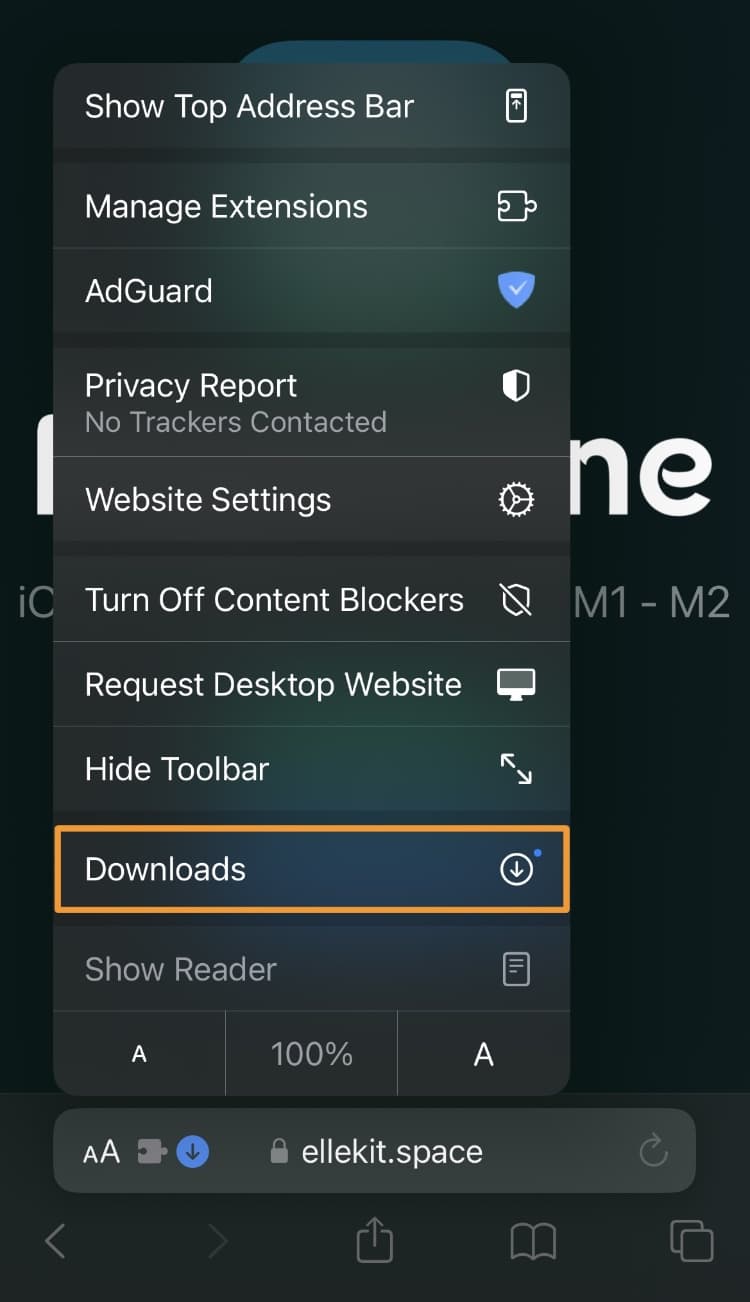
Step 14:
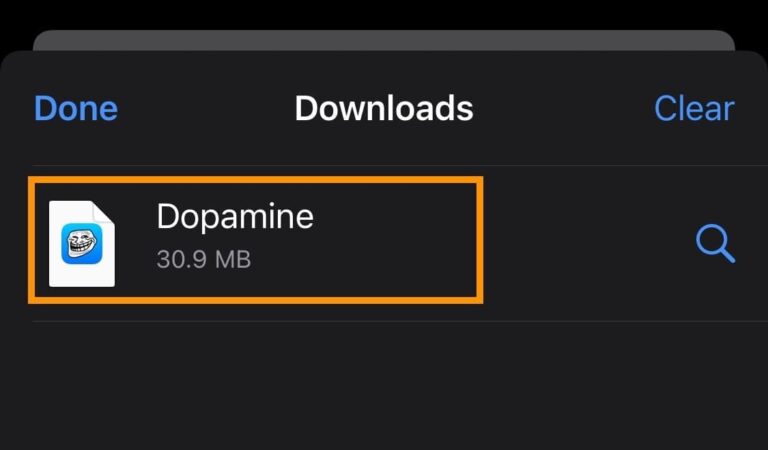
Tap on Dopamine from your download list:
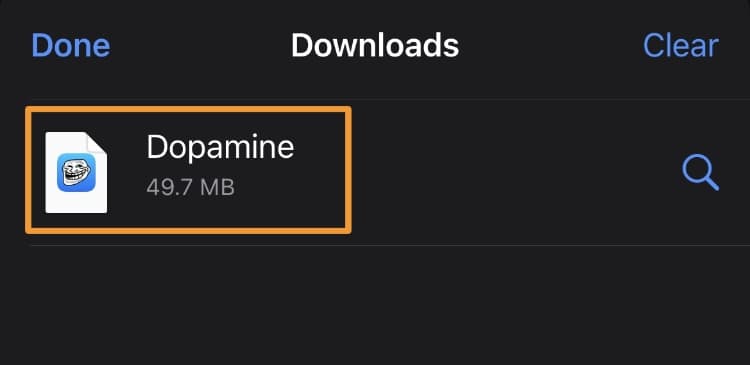
Step 15:
Tap the Share button in the next interface:
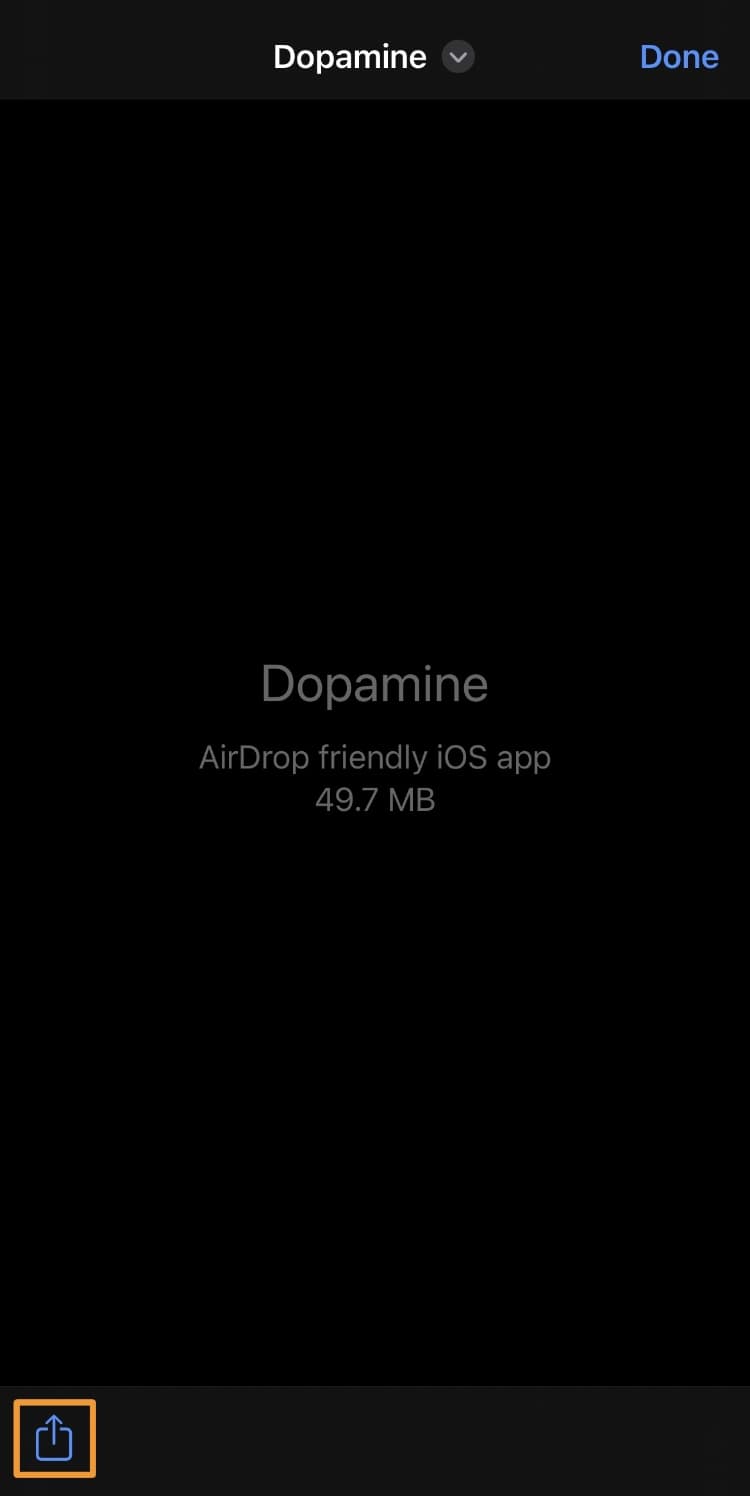
Step 16:
In the share sheet, tap the TrollStore icon:
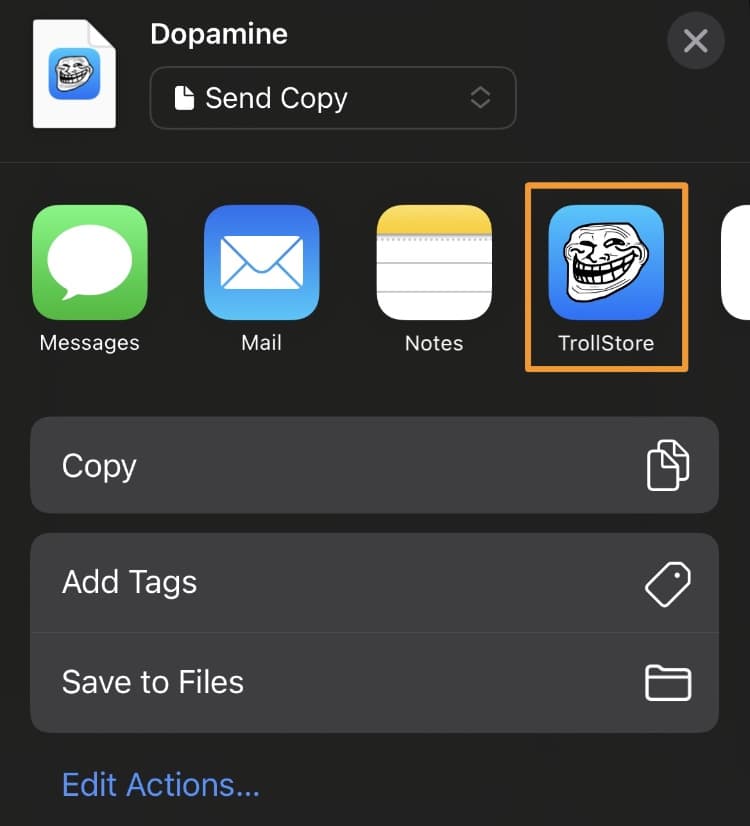
Step 17:
Tap the Install button:
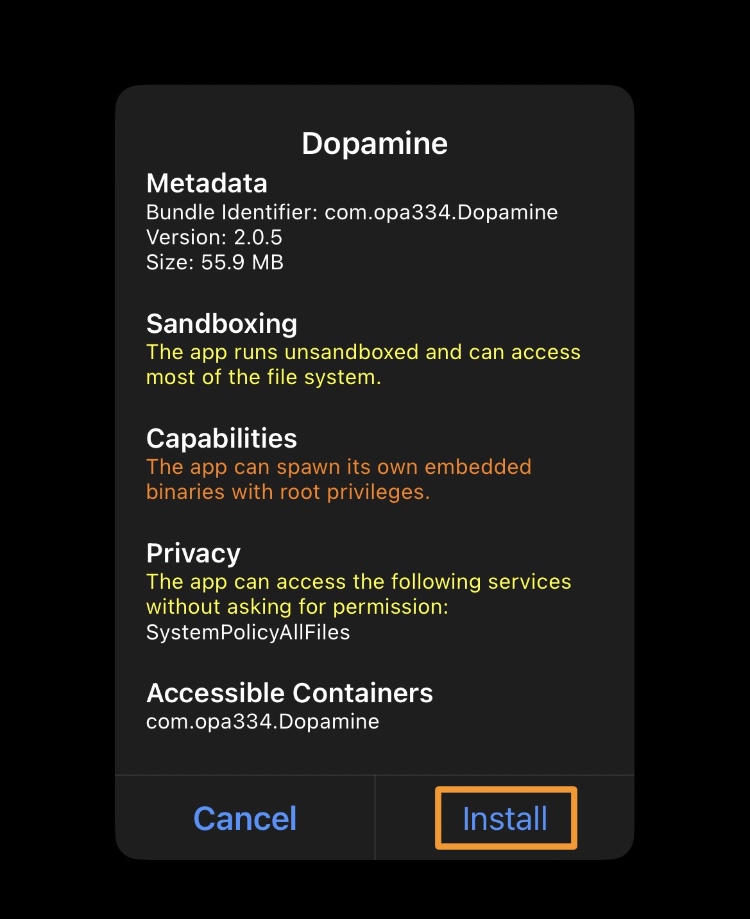
Note: After a few seconds, the app should appear in your TrollStore apps list as follows:
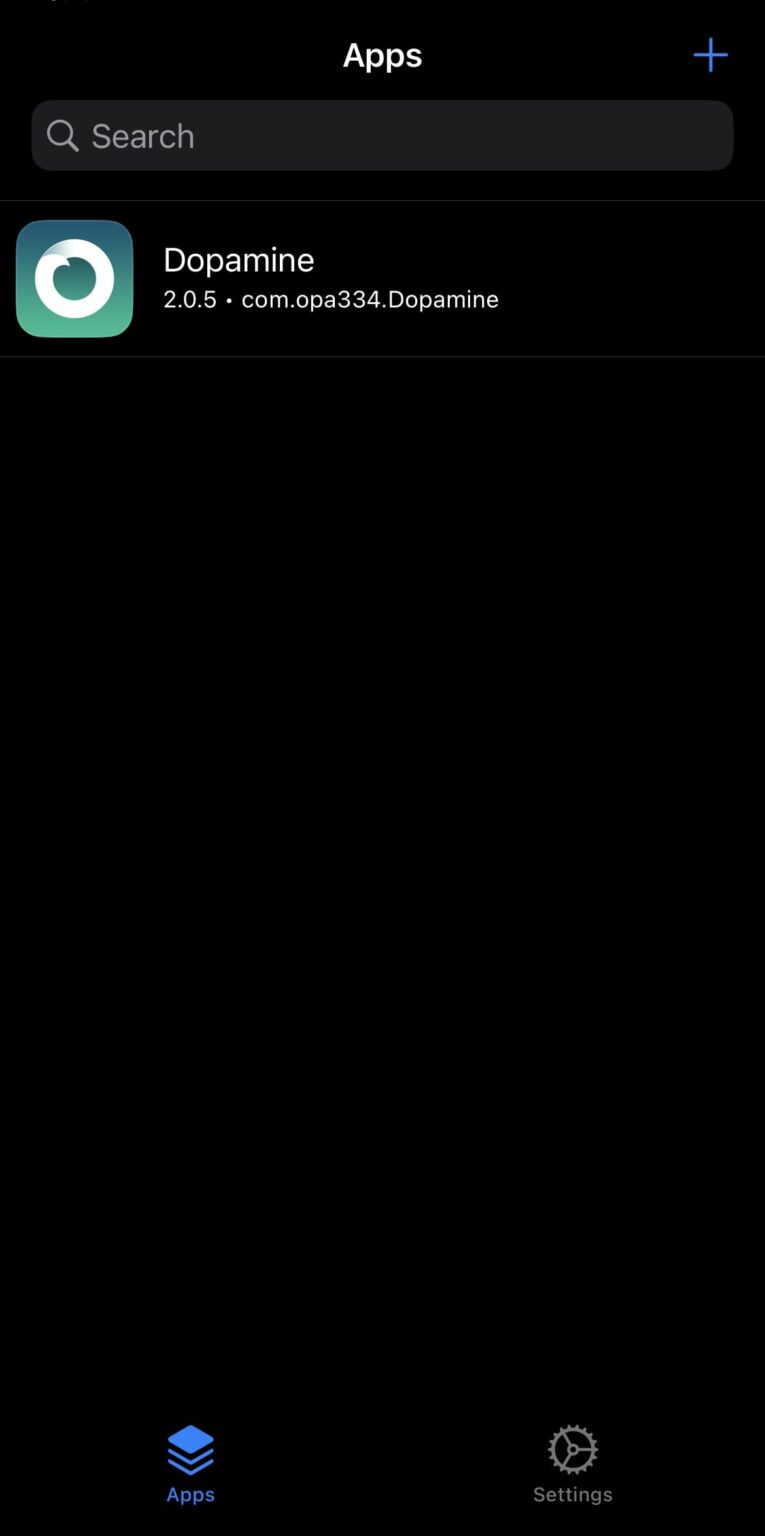
Step 18:
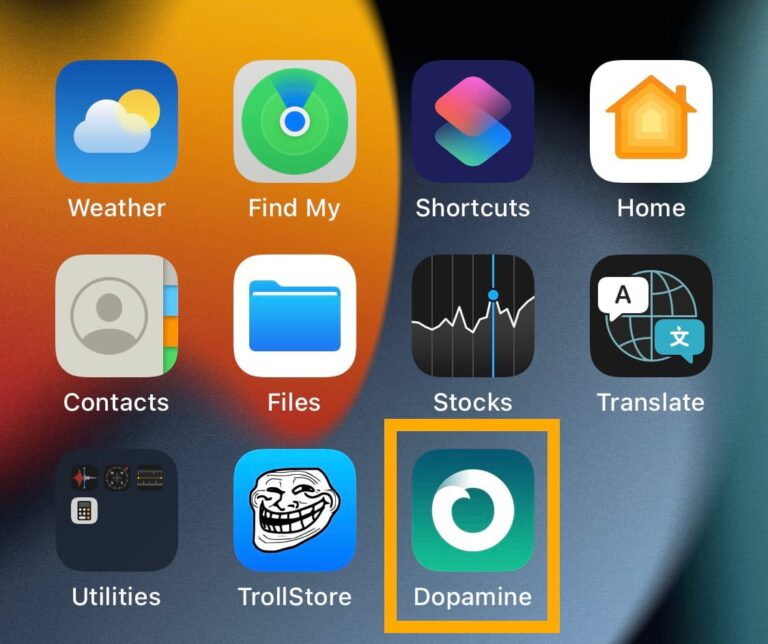
Once the Dopamine app is installed, open it from the Home Screen:
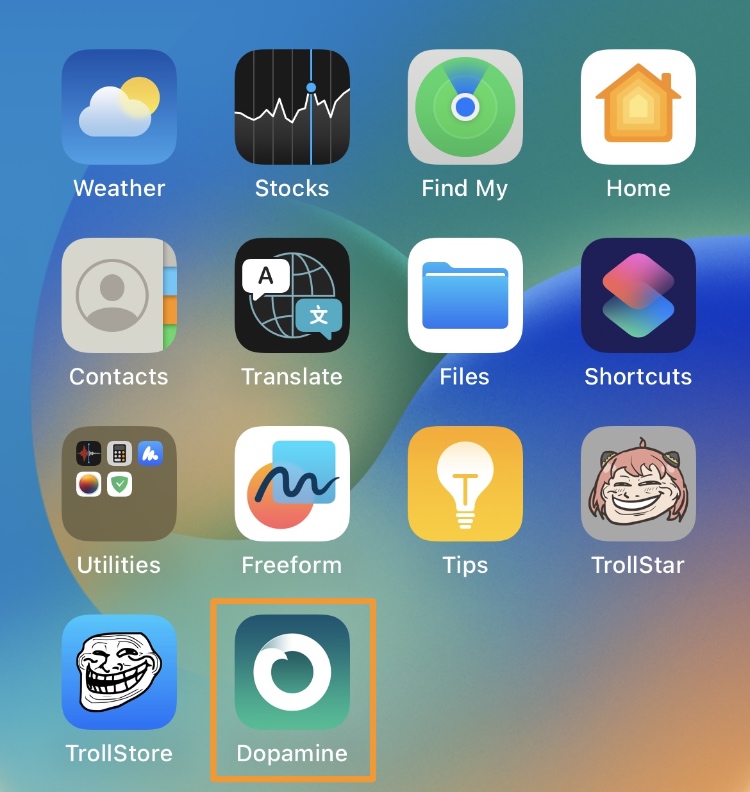
Step 19:
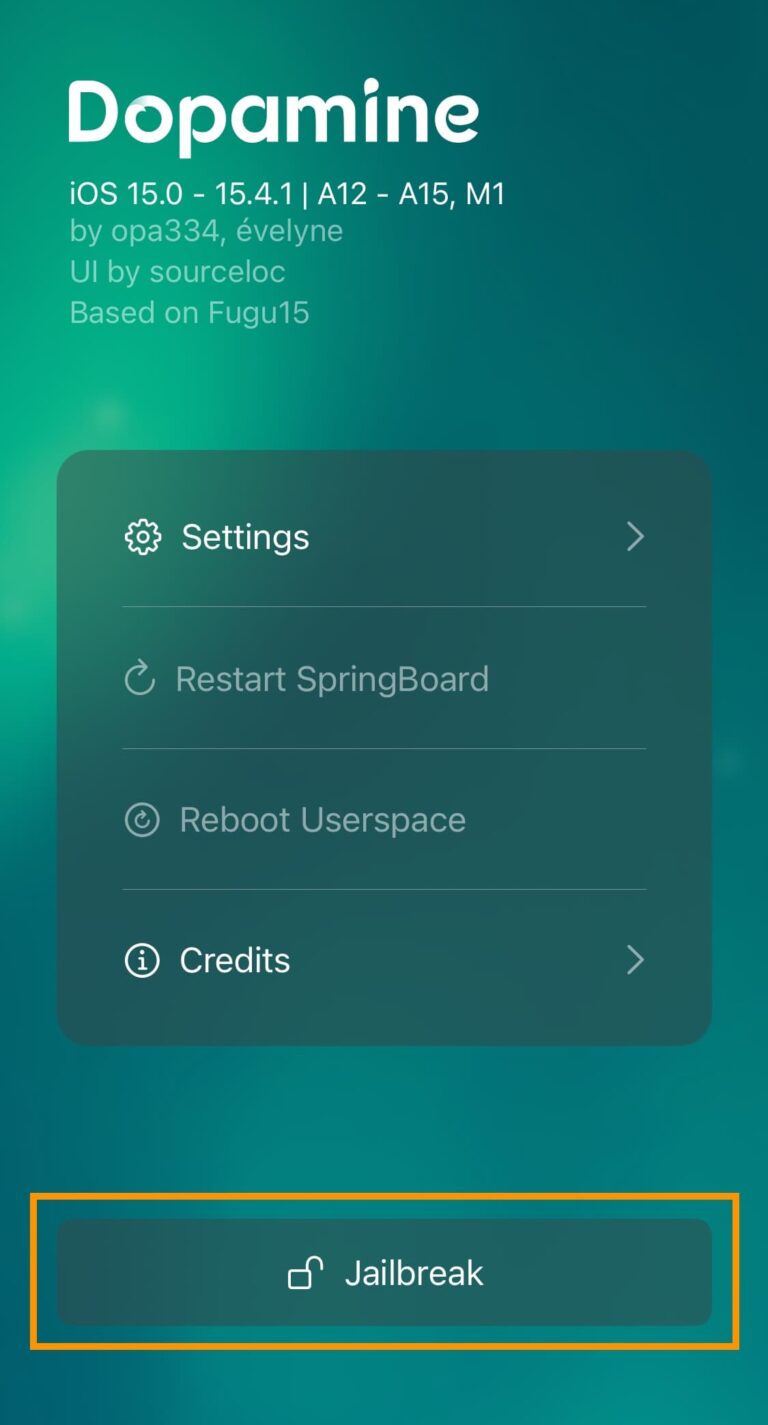
Tap the Jailbreak button:
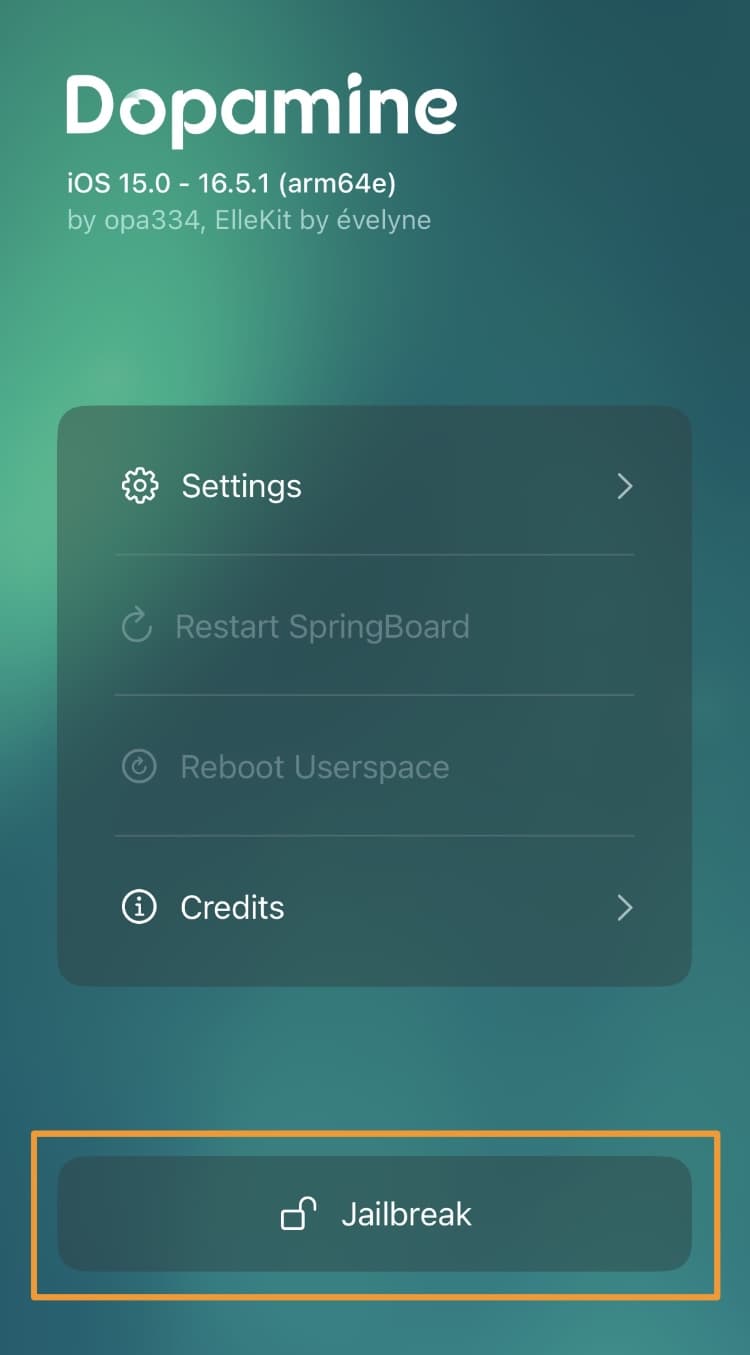
Step 20:
Select the Sileo or Zebra package manager and then tap Continue:
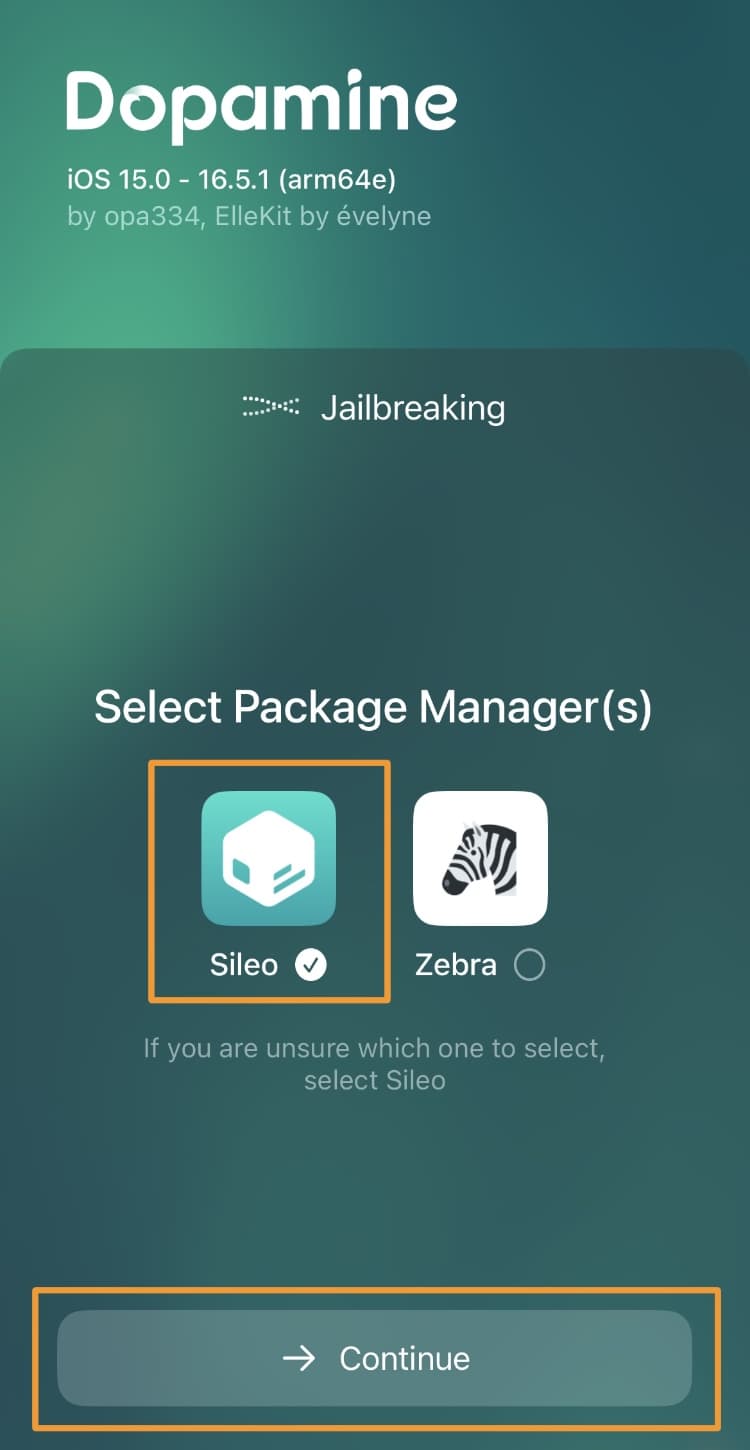
Step 21:
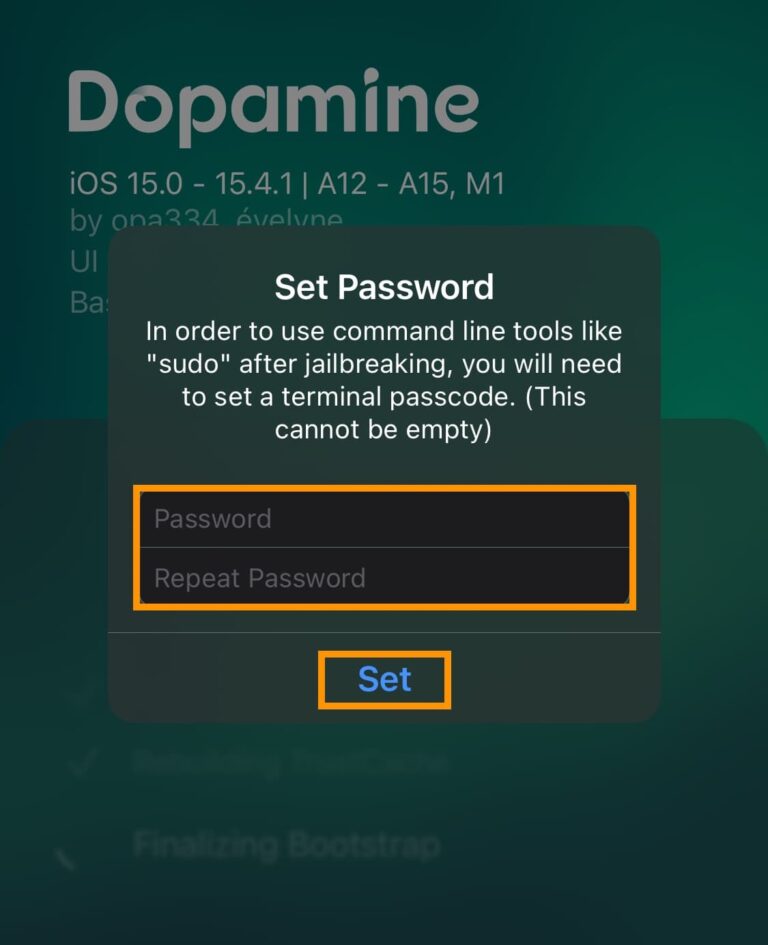
Enter a Terminal passcode. Make up one of your choosing (twice), and then tap Set:
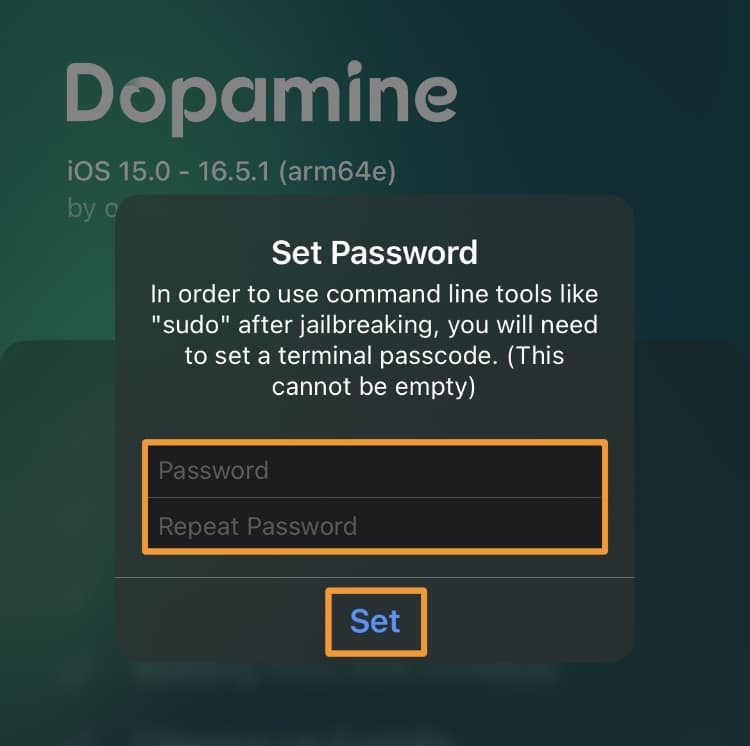
Don’t forget your passcode!
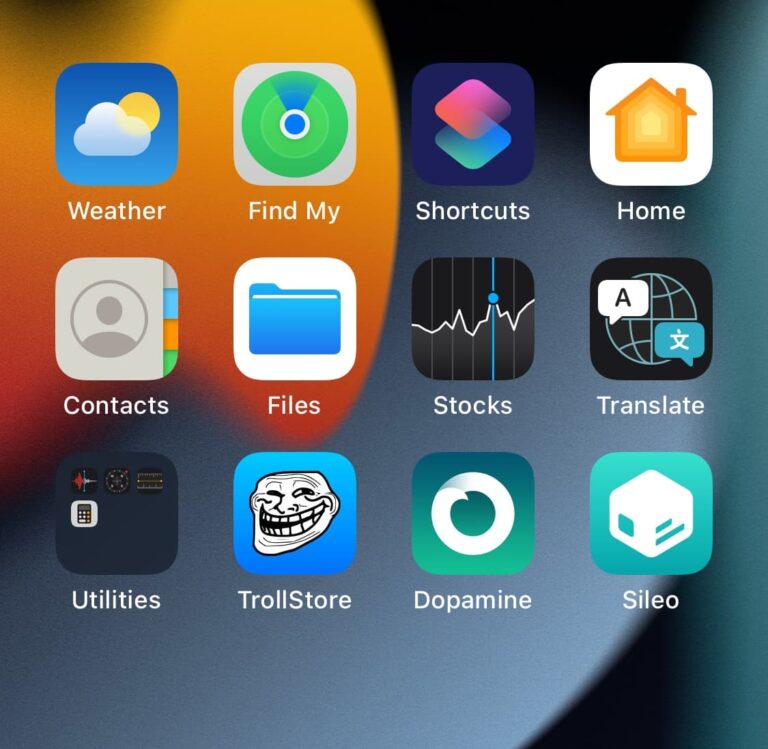
After the process completes, your selected package manager app will appear on your Home Screen:
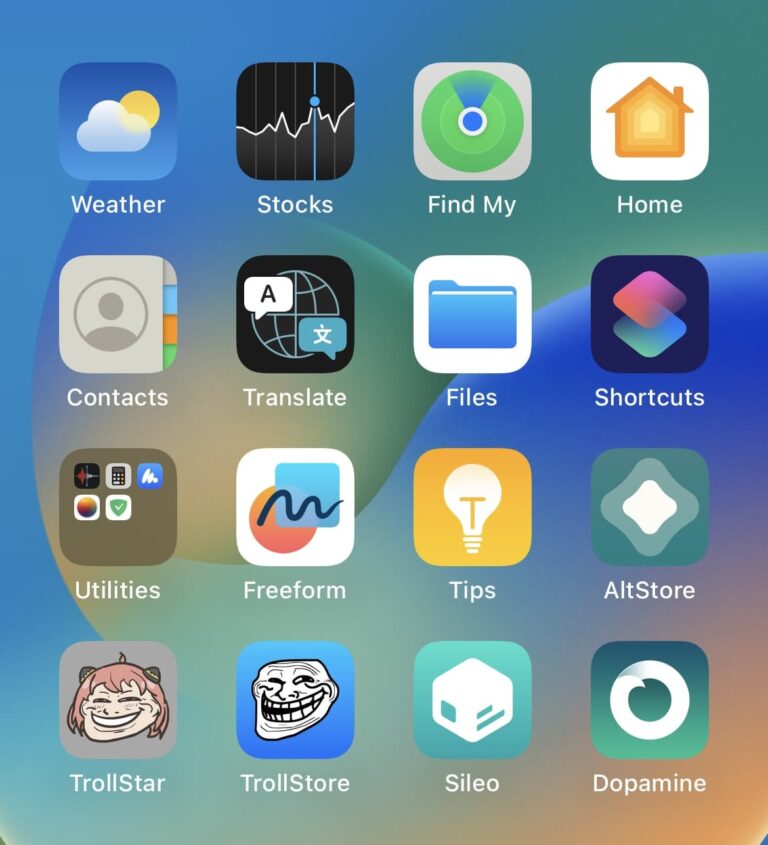
Conclusion
In summary, this is all you need to do to install the Dopamine v2 jailbreak on a device running iOS or iPadOS 15.0-16.6.1*. The asterisk in 16.6.1* signifies that Dopamine v2 supports an arm64 version up to 16.6.1. A12-A14 arm64e devices are supported up to 16.5.1. A15-A16 arm64e devices are supported up to 16.5.